Sticker Maker
Cut the background out of a photo on your phone, save the result to Photos, and let iOS lift it into your sticker drawer. No App Store download, no Apple Developer account.
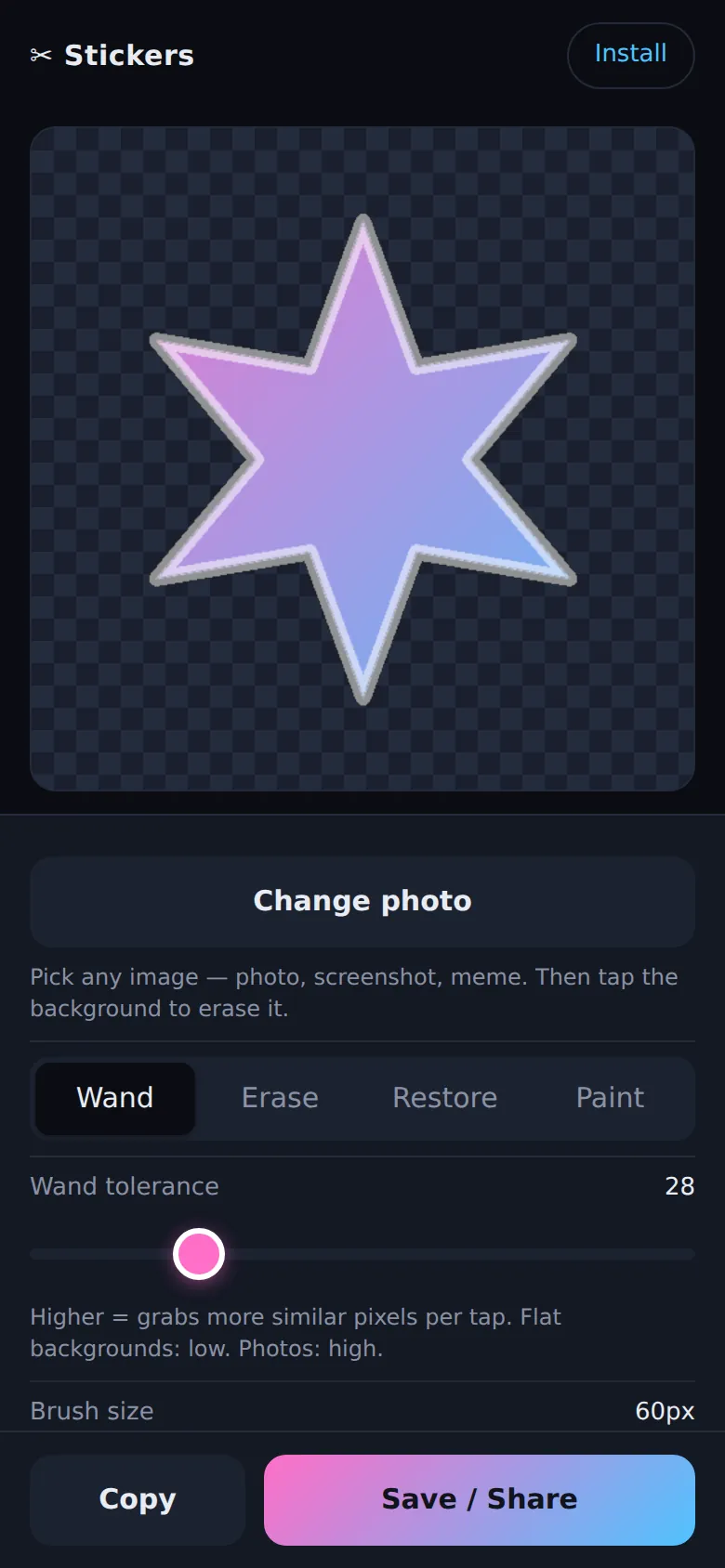
Making a custom iOS sticker usually starts with installing an app, and putting an app on a phone starts with an Apple Developer account. Neither is required for the work itself. Reading the pixels of an image, clearing the ones you do not want and writing the result back out to a file are all things a browser already does, so the editor is a web page and there is nothing to install.
The one step Safari cannot take is the last one. Apple adds a sticker to the system drawer only when you long-press the subject yourself inside Photos, and no web page is allowed to trigger that. So the app stops short of it and hands off instead: cut the background out here, save the file to Photos, finish it there.
The handoff
Save / Share flattens the cut-out onto a solid lime-green background, writes a 1024×1024 JPEG, and opens the iOS share sheet so it can go to Photos. Long-press the subject in Photos, tap Add Sticker, and it works in Messages and anywhere else stickers do.
The lime is deliberate, and it is the detail that makes the rest work. Photos strips transparency from a PNG saved out of Safari, so the obvious export, a transparent cut-out, arrives with a solid box behind it anyway. Apple's subject-lift model also needs a foreground sitting on a background before it has anything to separate; hand it a picture that is already nothing but subject and the long-press does nothing. A flat, saturated green answers both. On a device without the share sheet the same JPEG downloads as a file, and the Copy button puts it on the clipboard instead.
Cutting out the subject
- Wand: tap a pixel and it flood-fills outward from there, taking any neighbour whose RGB distance from the tapped colour falls inside a tolerance you set from 0 to 120. Rather than cutting hard at that line, the outer band of the range gets a graded alpha, so the edge fades out instead of coming away jagged. It refuses to spread through pixels that are already transparent, which means a second tap works on what is left rather than starting over.
- Erase: a round brush, 6 to 200 pixels, clearing whatever it passes over. Dragging interpolates along the stroke at a third of the brush width, so a fast swipe does not come out as a row of dots.
- Restore: the same brush running backwards, copying pixels back from the untouched copy of the image. Overshoot with the wand and you paint the subject back rather than starting again.
- Paint: an opaque brush in one of eight colours, for filling a hole the wand ate or drawing on the sticker.
- Crop to subject: finds the bounding box of everything still opaque, trims to it, and re-centres with a 4% margin, which turns a small subject in a large frame into a sticker that fills the square.
- Undo and Reset: ten steps of undo, and a reset that drops back to the untouched copy. Cropping and auto-remove both replace that copy, so they become the new floor.
Auto-remove
A flood fill is quick on a flat background and no use against hair or a busy photo. For
those there is Auto-remove bg, which imports @imgly/background-removal the first
time you press it, roughly 30 MB that the browser then caches, and runs the segmentation on
the device. The model is fetched on demand rather than bundled, so the app itself stays a
handful of small files and nobody who only wanted the wand pays for it.
Running it
Vanilla JavaScript in a single page: no framework, no bundler, no build step. The editor is one 1024×1024 <canvas> and its ImageData; the export is a second canvas filled with chroma and re-encoded as JPEG at quality 0.92. A manifest and a version-keyed service worker make it installable to the home screen and keep it working offline after the first load, and the service worker goes network-first on HTML so a deploy lands on the next visit. Static on GitHub Pages. No server, no account, and no image ever leaves the device.