Meme Maker
Build a meme in the browser, pick a template or drop in your own image, caption it, and download a clean PNG.
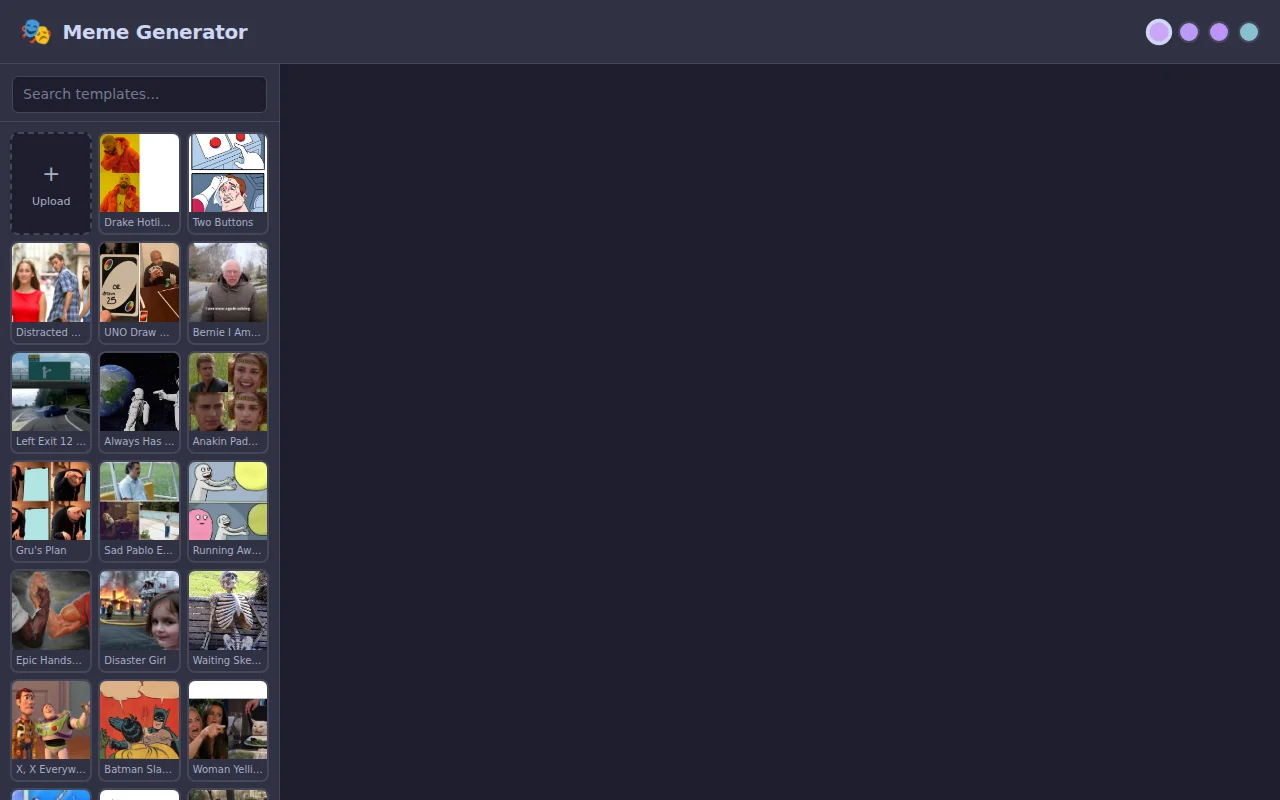
Most online meme makers add a step or two: an account, an upload, or a watermark on the result. For a thing you mostly want to type two lines on and post in under a minute, that's more friction than it needs to be.
Meme Maker keeps the whole job in the tab. You start from a template or an image you already have, type the captions, drag them where they belong, and hit download. There is no backend to upload to, so a picture off your own device has nowhere else to go.
Making one
The picker loads Imgflip's public list of the hundred formats people actually use, searchable by name, and the last five you opened move to the front of the grid. For anything not on that list, upload an image from your device.
Two caption boxes start on the image and you can add as many more as you like. Each one holds its own text over as many lines as you type, a size from 16 to 96, a color, left, center or right alignment, and a black outline you can switch off. Captions move under a mouse or a finger and stay clamped to the image, and their positions are kept as fractions of the canvas rather than pixels, so a layout survives a template of any size. Text renders in Impact at weight 900 with every line uppercased on the way to the canvas, the way the format expects, and font size scales against a 500-pixel reference width so the preview and the exported file agree.
Export redraws onto an offscreen canvas at the source image's real pixel dimensions and saves that as a PNG. No watermark, no sign-in, no second trip through a compressor. Safari on iOS ignores the download attribute, so on an iPhone the finished image opens full screen instead, ready for a long press and Save to Photos.
Built with
React 19 · TypeScript · Vite. Drawing, hit-testing and export are plain canvas 2D with no image library in the path, and a Vitest suite covers the coordinate math and the text layout. Four dark themes ship with it, Tokyo Night, Miami, Matcha and Gruvbox, remembered between visits. The build is static on GitHub Pages: template images load from Imgflip, and an uploaded image never leaves the page.